One evening
7 pm — sign up. 8 pm — your page is taking bookings.
This is what a typical launch looks like. No time, or don't fancy it? We'll set everything up for you, for free.
- Step 1
Sign up
Email and password. No card, no contracts.
- Step 2
Find your lake on the map
Search by the town or village name — the satellite image is already there.
- Step 3
Place your pegs
Click the bank to add a peg. Rotate the map the way you're used to seeing it.
- Step 4
Sessions and prices
Day, night, 24h — your hours, your prices. Photos and rules go here too.
- Step 5
Post the link in your WhatsApp group
From this minute on, anglers book by themselves, around the clock.
- Done
Your page is live
Anglers from your group book by themselves, and requests land on your phone.
An owner's evening
The same evening. Two phones.
Now
…and the notebook already has two people down for peg 5
With Pegly
…and you have dinner in peace
Try it right here
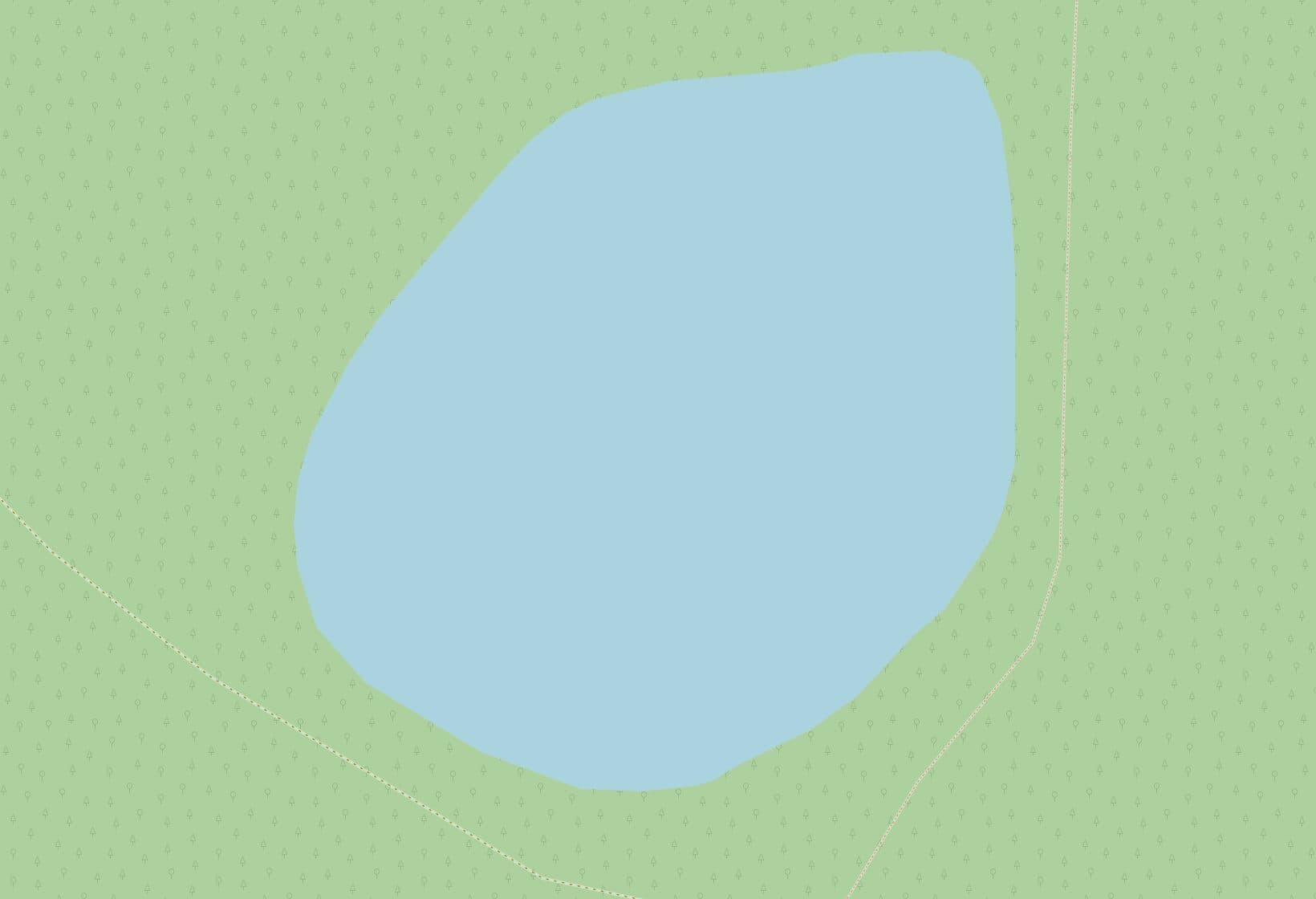
Place your pegs — it takes seconds
Click the bank and a numbered peg appears. That is exactly how you will map your own lake in the dashboard — only there it is on satellite imagery.
- 1Click the bank a few times (2 of 12)
- 2See what an angler will see
- 3Do the same for your lake — for free
 1Peg 12Peg 2© OpenStreetMap
Editor mode: click to add a peg. In the dashboard you can drag them around too.
Your lake will look just the same — with your name, photos and prices.
Two ways to start
The only difference is how much you do yourself. Both are free.
I'll do it myself
You sign up and set the lake up in an evening: sessions, prices, pegs on the map.
- Step-by-step prompts in English
- You place the pegs with a click on the satellite map
- Done the same evening
Do it for me
You send a request — we call, go over the details and set everything up for you.
- A call instead of a form — just tell us how it works
- We place the pegs, the sessions and the prices
- You only check it and publish
Ready to move booking off the phone and out of the notebook?
Registration takes a few minutes. You can publish your first lake this very evening.
Have a question, an idea or a doubt? Write to us directly.
How long does setup take?
One evening. You create the lake, place the pegs on the map, set the sessions and prices — and the page is ready. If you'd rather not do it yourself, send us a request: we'll set everything up for you and show you the result.
Do I need my own website or a developer?
No. Pegly gives you the page itself, at an address like pegly.io/en/p/your-lake. Send it in a messenger, post it on Facebook, or print it as a QR code by the water.
Who confirms a booking?
You do — or the system does automatically, if you turn on instant confirmation. The dashboard shows who is waiting on a decision; confirming or declining is one tap, including from your phone.
What if two anglers book the same peg at once?
That can't happen. A peg holds only one booking for any overlapping time — and that is checked at the moment of booking, not afterwards. Every booking, yours and the anglers', lives in one calendar, so there are no clashes.
And what if an angler doesn't turn up?
They can cancel it themselves with the link they get the moment they book — the peg is freed for others without anyone phoning you. You can also cancel any booking from the dashboard.